
Finding high-quality SVG files is one of the easiest ways to create professional laser projects without designing everything from scratch.
Whether you own an xTool, OMTech, Glowforge, Atomstack, or another laser engraver, SVG files provide clean vector artwork that scales perfectly without losing quality.
They are ideal for engraving, cutting, scoring, and creating layered designs on wood, acrylic, leather, metal, and many other materials.
While there are dozens of websites offering SVG downloads, few provide the combination of quality, variety, and licensing options found on Vecteezy. It has become one of the best resources for laser makers looking for free and premium vector graphics.
Table of Contents
In this guide, we’ll explain why SVG files are perfect for laser engraving, what to look for before downloading, and why Vecteezy is one of the best places to find them.
Why SVG Files Are Perfect for Laser Engraving

Unlike JPG or PNG images, SVG files are vector graphics.
Instead of storing pixels, SVG files use mathematical paths that remain perfectly sharp at any size. This allows your laser software to follow precise cutting and engraving lines, resulting in cleaner projects and smoother machine operation.
Most laser software—including LightBurn, xTool Creative Space, Glowforge, and LaserGRBL—supports SVG files directly.
SVG files are ideal for:
- Laser engraving
- Precision cutting
- Layered artwork
- Personalized gifts
- Signs
- Business products
- Decorative home décor
- Jewelry
- Leather goods
Because vectors remain crisp regardless of scale, they’re one of the most versatile file formats available for laser users.
Why We Recommend Vecteezy
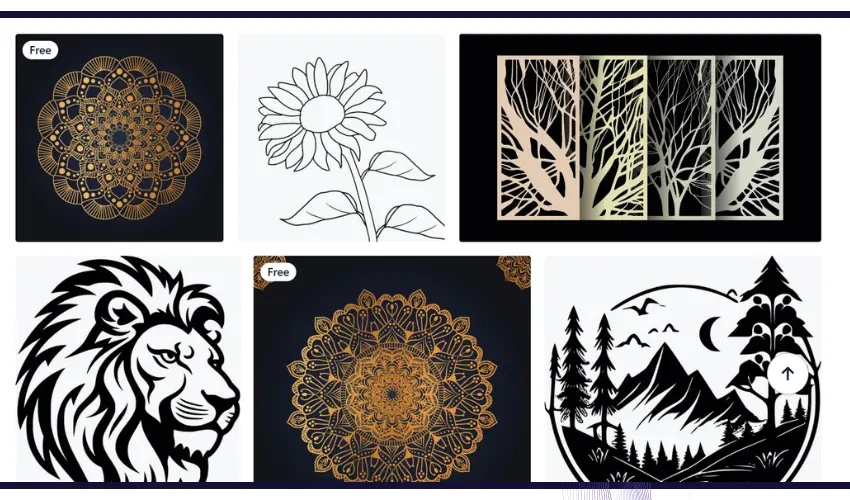
Among the many websites offering vector graphics, Vecteezy is a great option because of its enormous library and consistently high-quality artwork.
Whether you’re creating signs, leather patches, ornaments, tumblers, or layered wood art, you’ll find thousands of professionally designed SVG files ready for laser projects.
Some of the biggest advantages include:
- Thousands of free SVG downloads
- Professional-quality artwork
- Commercial-use options
- Simple licensing
- Easy searching by category
- Regularly updated content
- High-resolution vector files
Unlike many free SVG websites that contain outdated or poorly traced artwork, Vecteezy’s designs are generally clean and ready for editing.
Best SVG Categories for Laser Engraving
One of the best features of Vecteezy is the huge variety of design styles available.
Some of the most popular laser engraving categories include:
Monograms
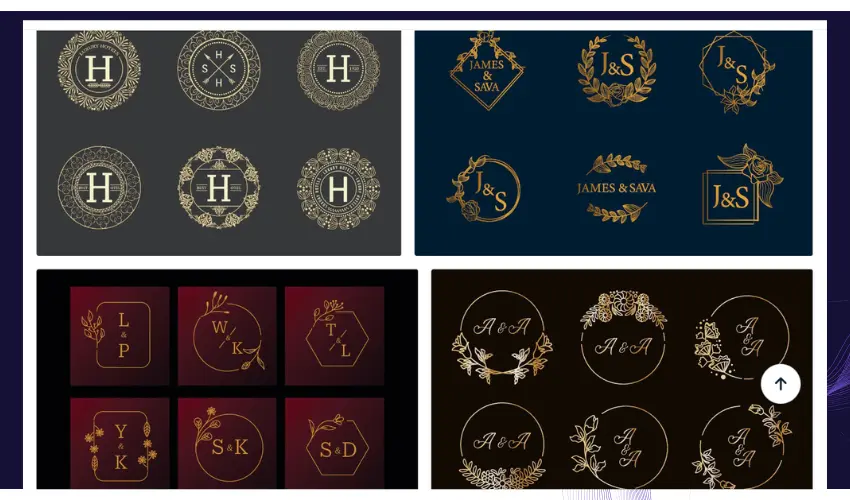
Monograms remain one of the best-selling laser products.
They’re perfect for:
- Wedding gifts
- Cutting boards
- Tumblers
- Leather patches
- Signs
- Home décor
Customers love personalized initials, making monogram SVGs a consistent bestseller.
Mandalas
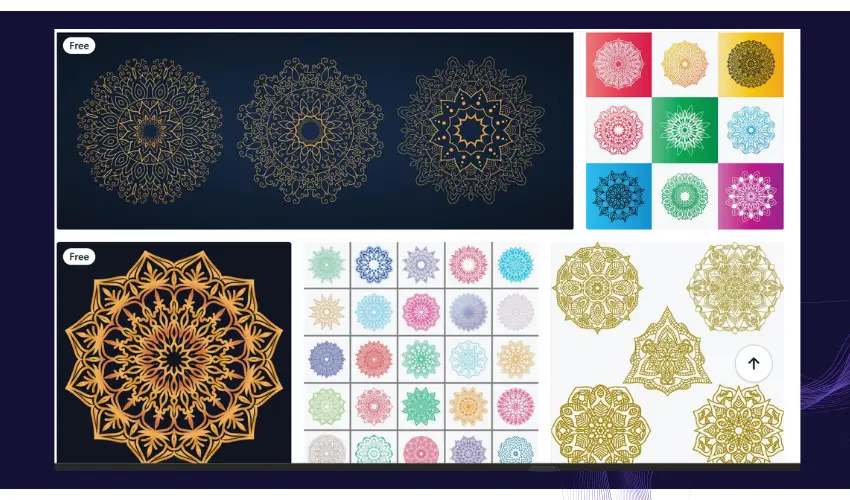
Mandalas have become extremely popular for layered laser projects.
Their intricate geometry works beautifully on:
- Layered wood art
- Acrylic wall décor
- Coasters
- Decorative signs
- Lamps
Since SVG files retain every fine detail, mandalas engrave exceptionally well.
Wildlife
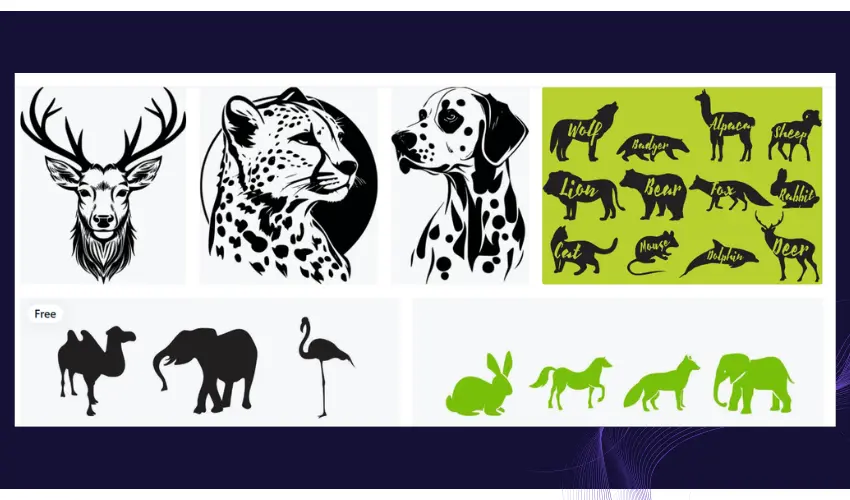
Wildlife designs are always in demand.
Popular options include:
- Deer
- Bears
- Wolves
- Eagles
- Fish
- Ducks
- Elk
These designs work particularly well on wood, leather, slate, and tumblers.
Floral Designs
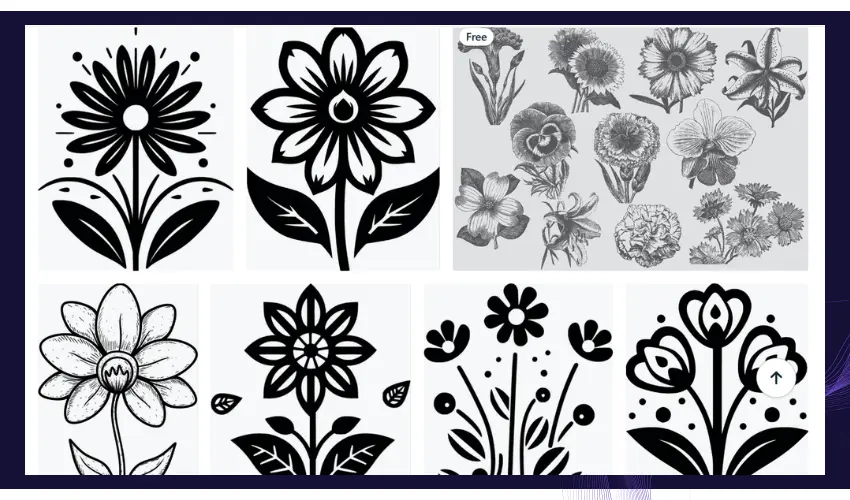
Floral SVGs are perfect for personalized gifts and home décor.
They are commonly used on:
- Wedding signs
- Jewelry boxes
- Picture frames
- Acrylic décor
- Leather journals
Botanical artwork remains one of the most searched laser engraving styles.
Seasonal Designs
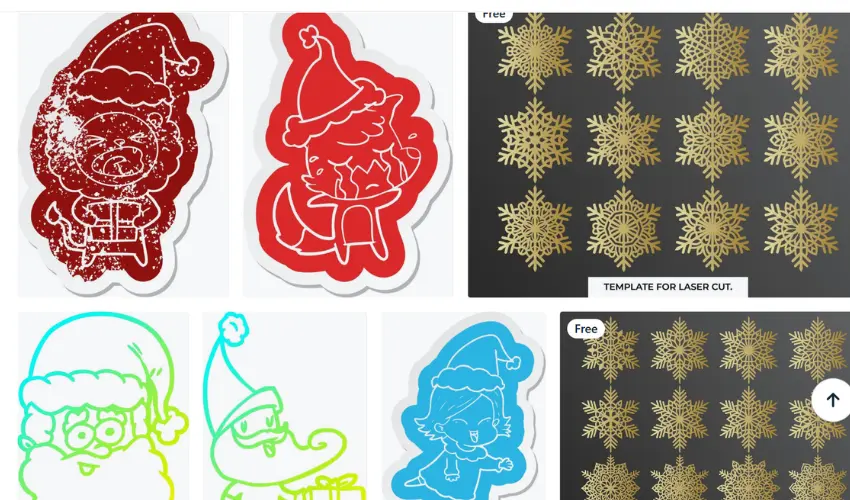
Holiday products consistently generate strong sales.
Vecteezy offers countless seasonal SVG collections for:
- Christmas
- Halloween
- Valentine’s Day
- Easter
- Thanksgiving
- Mother’s Day
- Father’s Day
Seasonal products often sell quickly because customers are actively searching for personalized gifts.
Business Logos
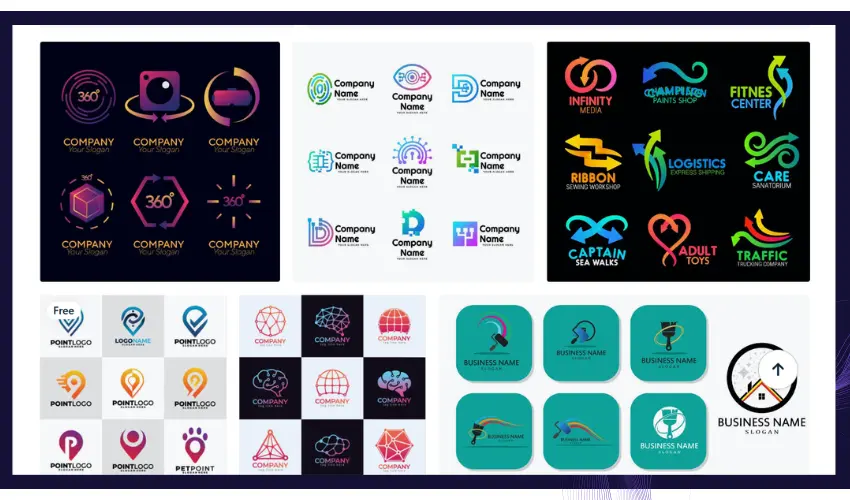
Many small businesses purchase laser engraving services for branded products.
While you cannot legally download trademarked logos without permission, Vecteezy offers thousands of business-style templates that can be customized for:
- Company branding
- Promotional products
- Corporate gifts
- Employee awards
- Product packaging
SVG Files for Popular Laser Materials
Different materials pair well with different design styles.
Wood works beautifully with layered mandalas, wildlife scenes, farmhouse signs, and decorative wall art. Leather is ideal for monograms, western graphics, logos, geometric patterns, and minimalist artwork.
Acrylic is perfect for modern designs, ornaments, LED signs, and layered projects. Slate engraves exceptionally well with wildlife artwork, mountain landscapes, family names, and business logos.
Metal projects benefit from clean vector graphics, badges, QR codes, industrial labels, and personalized branding.
Because SVG files are fully scalable, the same design can often be adapted across multiple materials.
Editing SVG Files Before Engraving
Most SVG files can be customized before sending them to your laser.
Popular editing software includes:
- LightBurn
- Adobe Illustrator
- Inkscape
- CorelDRAW
- Affinity Designer
You can easily resize artwork, remove unnecessary layers, combine shapes, add personalized names, or convert designs into engraving and cutting paths.
This flexibility makes SVG files incredibly valuable for both hobbyists and businesses.
Tips for Choosing Good SVG Files
Not every SVG file is suitable for laser engraving.
When selecting designs, look for artwork with clean vector paths and avoid files that contain excessive overlapping shapes or unnecessary anchor points, as these can slow down engraving and create messy cuts.
Simple, well-organized designs generally produce the best results and require less cleanup before production.
If you’re creating products to sell, always review the license to ensure commercial use is permitted.
Are Free SVG Files Good Enough?
Absolutely.
Many free SVG files are professionally designed and produce excellent engraving results.
For hobby projects and small businesses, free vectors can provide everything needed to create attractive products without investing in expensive design software.
As your business grows, premium SVG collections may become worthwhile because they often include more detailed artwork, exclusive designs, and broader commercial licensing.
Final Thoughts
High-quality SVG files can dramatically improve your laser engraving projects, saving time while producing cleaner, more professional results.
Whether you’re creating personalized gifts, business products, layered artwork, or home décor, starting with a well-designed vector file makes the entire workflow easier.
Among the many resources available, Vecteezy remains one of the best places to find free SVG files thanks to its extensive library, excellent search tools, and professionally designed artwork.
From monograms and wildlife to seasonal decorations and modern graphics, you’ll find thousands of designs suitable for nearly every laser engraving project.
If you’re looking to expand your design library without spending a fortune, Vecteezy is an excellent place to start.
Frequently Asked Questions
Where can I download free SVG files for laser engraving?
Vecteezy is one of the best places to find free SVG files for laser engraving. Other popular sources include Creative Fabrica, Design Bundles, and public domain vector libraries.
Can I sell products made from free SVG files?
It depends on the license. Always check the licensing terms before selling products commercially. Many Vecteezy files are available for commercial use under specific license conditions.
Do SVG files work with LightBurn?
Yes. LightBurn fully supports SVG files and allows you to edit, engrave, and cut them directly.
Are SVG files better than PNG images?
For laser cutting and engraving, yes. SVG files are vector-based, allowing perfectly smooth scaling and cleaner cutting paths than raster images.
Can I edit SVG files?
Yes. SVG files can be edited using LightBurn, Inkscape, Adobe Illustrator, CorelDRAW, Affinity Designer, and many other vector editing programs.